The email signature that punches above your weight
Every email your company sends is a chance to build credibility, or lose it. SignSyncer gives every employee a polished, professional signature that makes your business look as good as it is.
No credit card needed · Get started in minutes
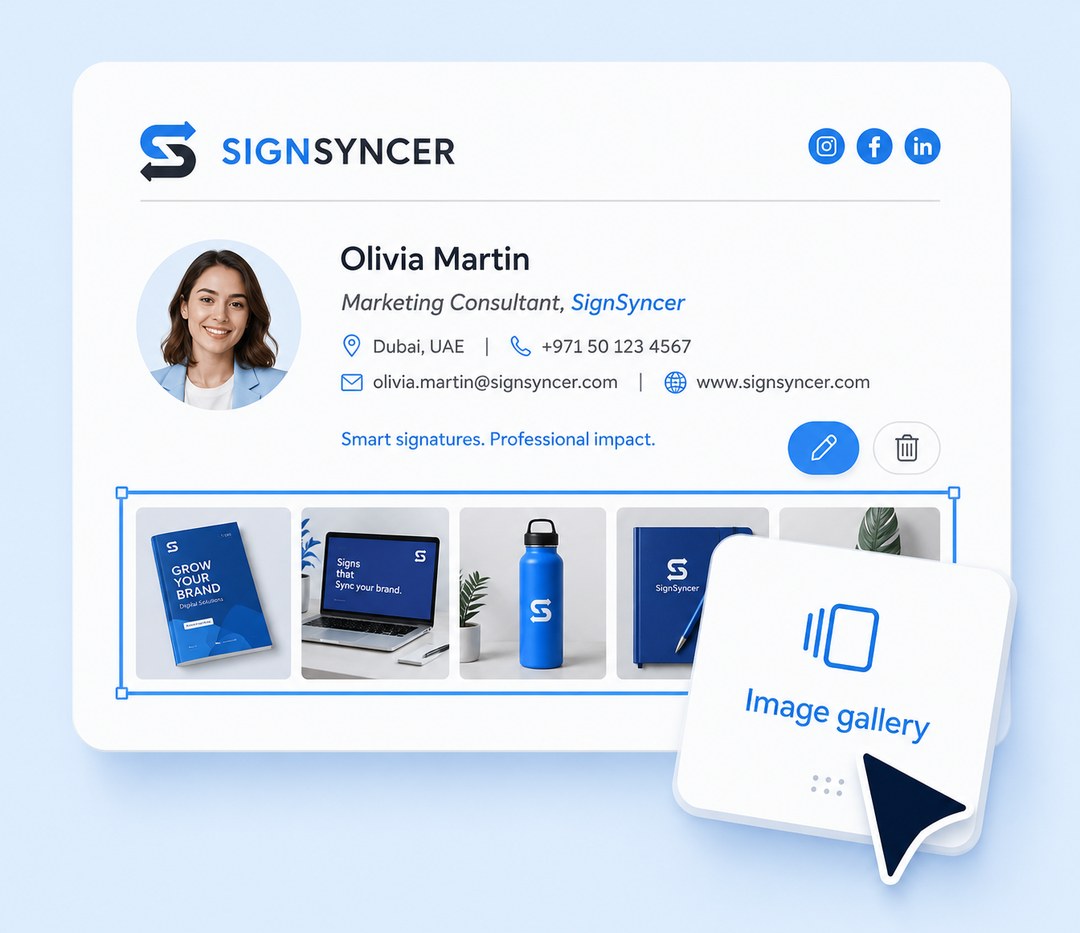
Your emails are going out. Your brand isn't.
Wrong fonts, missing logos, old branding, no CTA — that's your brand going out the door looking like nobody's in charge. SignSyncer fixes that in minutes, giving every employee a consistent, professional signature that says: we mean business.
"The biggest benefit is peace of mind — we're never worried about outdated logos, expired links, or old messaging."
— Early access design partner, small business owner
Set it once and stop thinking about it
Instant updates
Update once and your entire team reflects it immediately.
Day-one ready
New hires get a professional signature from day one.
Cross-device
Mobile, tablet, and desktop always look the same.
No chasing
No manual installs, no follow-ups needed.
Build a signature that looks exactly right
- Pick from professional templates built for your industry
- Add your logo, brand colors, and social media links
- No design skills or outside help needed
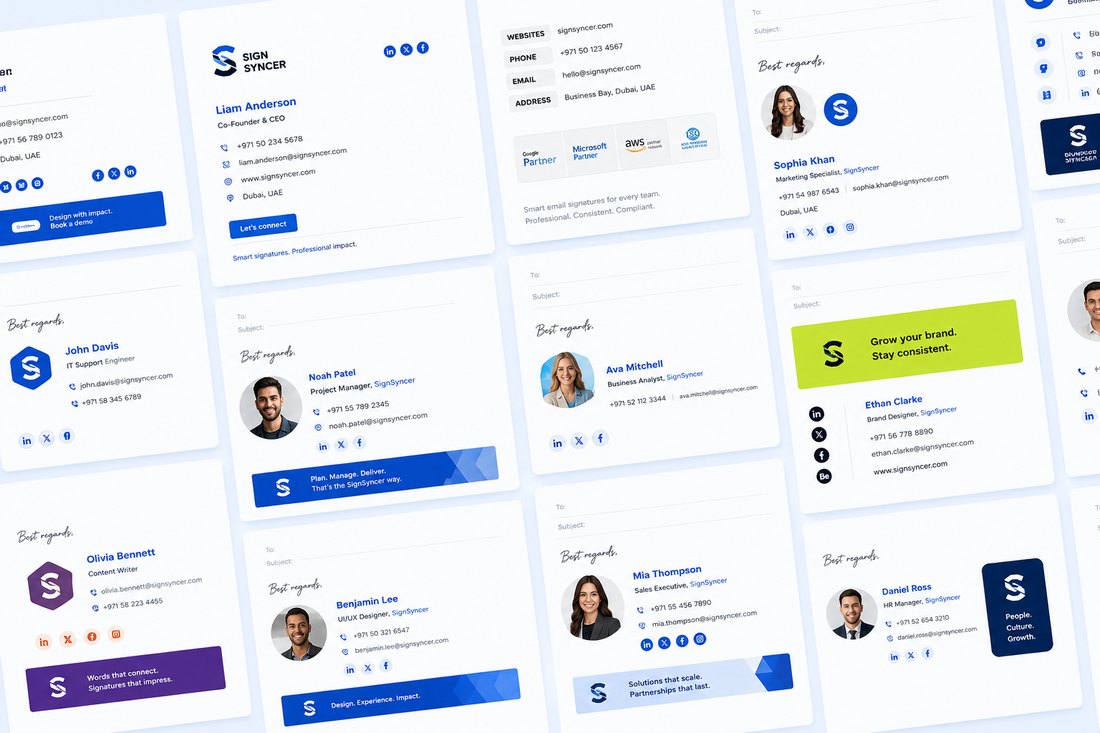
Every email looks like it came from the same business
One template, every device. Your team's emails look the same on desktop, mobile, Gmail, and Outlook — no matter who sends it or from where.
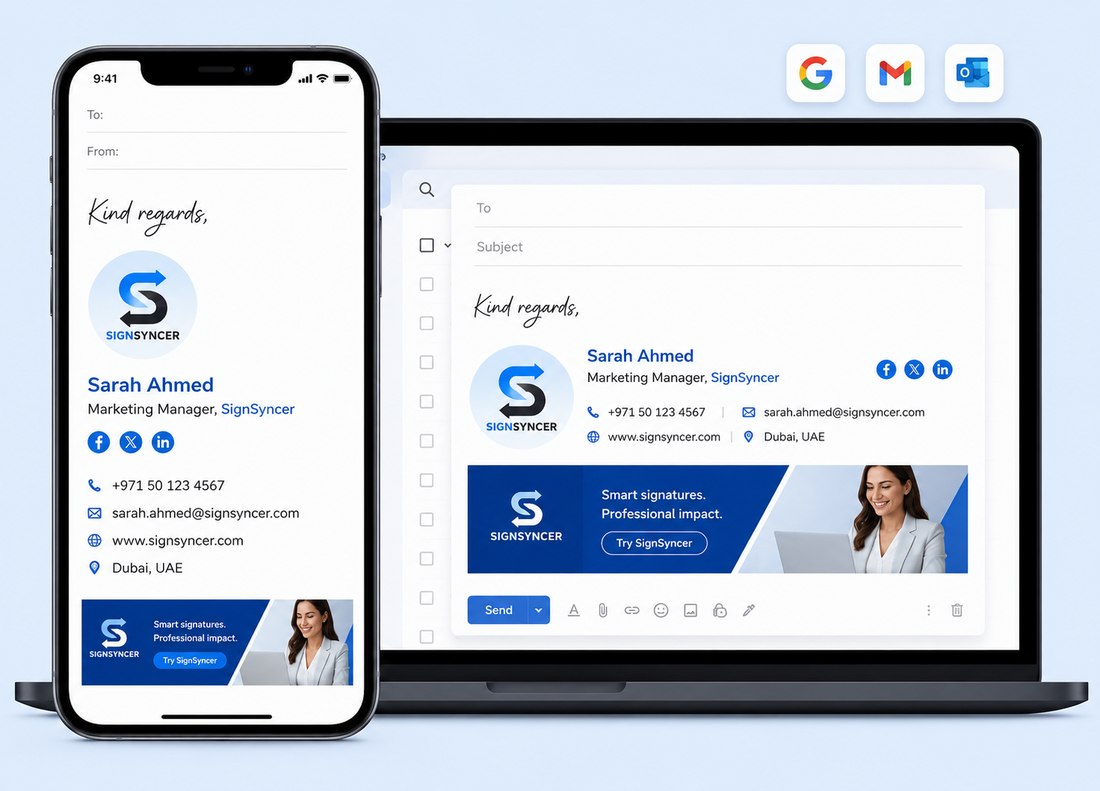
Works with tools you already use
Google Workspace
Microsoft 365
Gmail
Outlook
HubSpot
Salesforce
Your whole team covered in 3 steps
Connect your email
Link your Google Workspace or Microsoft 365 account — about 2 minutes.
Design your signature
Pick a template, add your details, customize to match your brand.
Deploy to your team
Everyone gets the same professional signature automatically.
Everything a small business needs to look the part
Studio Editor
Design a professional signature without a designer — drag-and-drop and fast.
Template Gallery
Start in minutes with designs built for businesses of every size.
Team deployment
Your whole team gets the same signature the moment you publish.
Employee Hub
Team members update approved details without touching the design.
Your business is professional. Every email should say so too.
Set up in minutes. Make every email count.