
Enforce email disclaimer compliance, company-wide
Centrally lock required legal disclaimers into every outbound email, on every device.
Built for compliance and legal teams
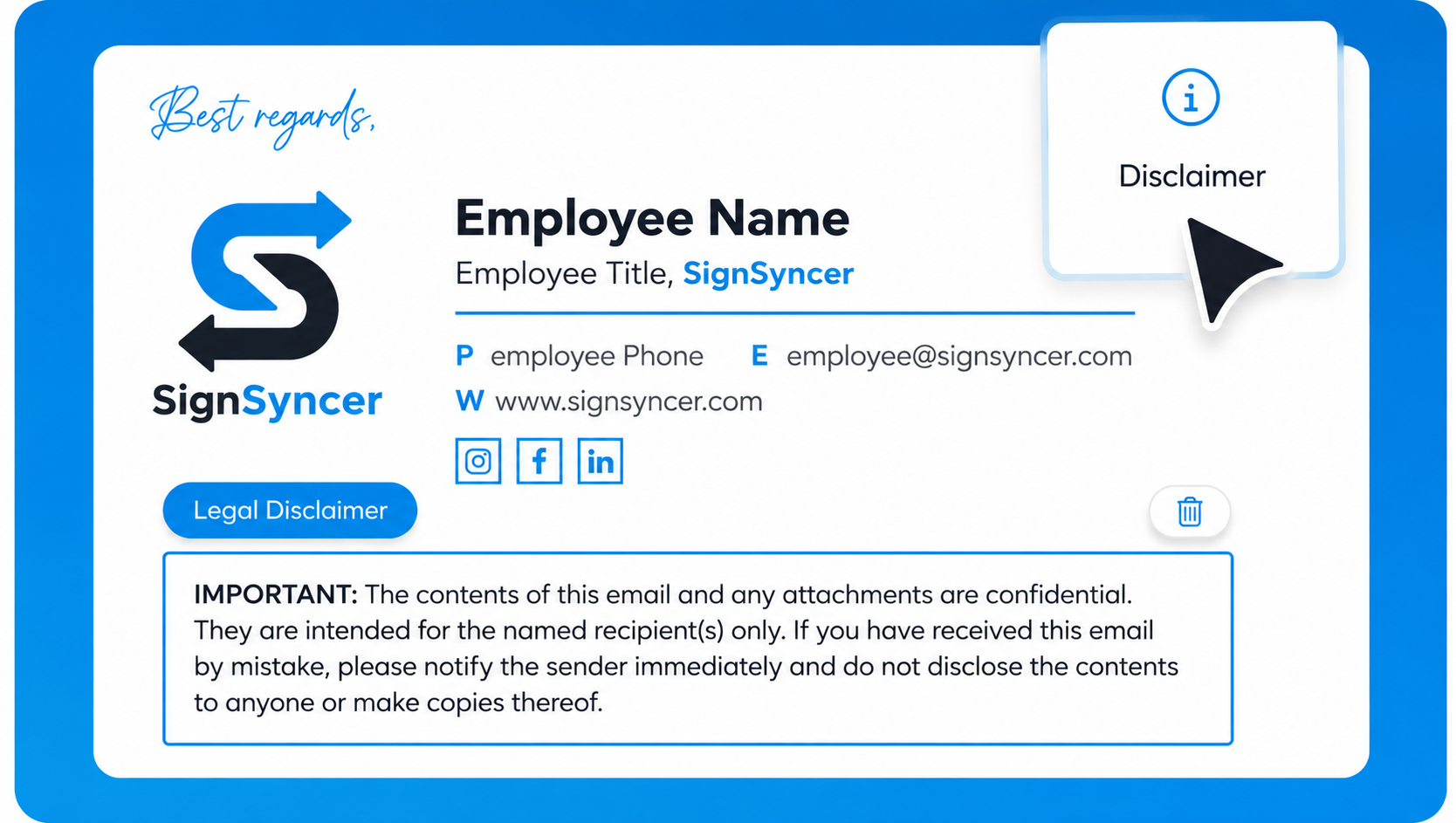
Take disclaimer management off IT's plate
Stop routing through IT
Disclaimer updates no longer need an IT ticket.
Beyond mail-flow rules
Automate away what transport rules can't cover.
Mobile, OWA & Gmail covered
Every client, finally covered consistently.
Get compliant disclaimers deployed in 4 steps
Connect
Sync employees via Active Directory, Entra ID, Google Workspace, or Exchange.
Lock
Add disclaimer text in the Studio, then lock it. No employee can edit or remove it.
Assign
Set different disclaimers per department, entity, or one standard for everyone.
Deploy
Server-side covers every device, including mobile, with no local install.
"Reliability and deliverability were our biggest concern going in — SignSyncer hasn't been an issue on either front."
— Early access design partner, IT professional
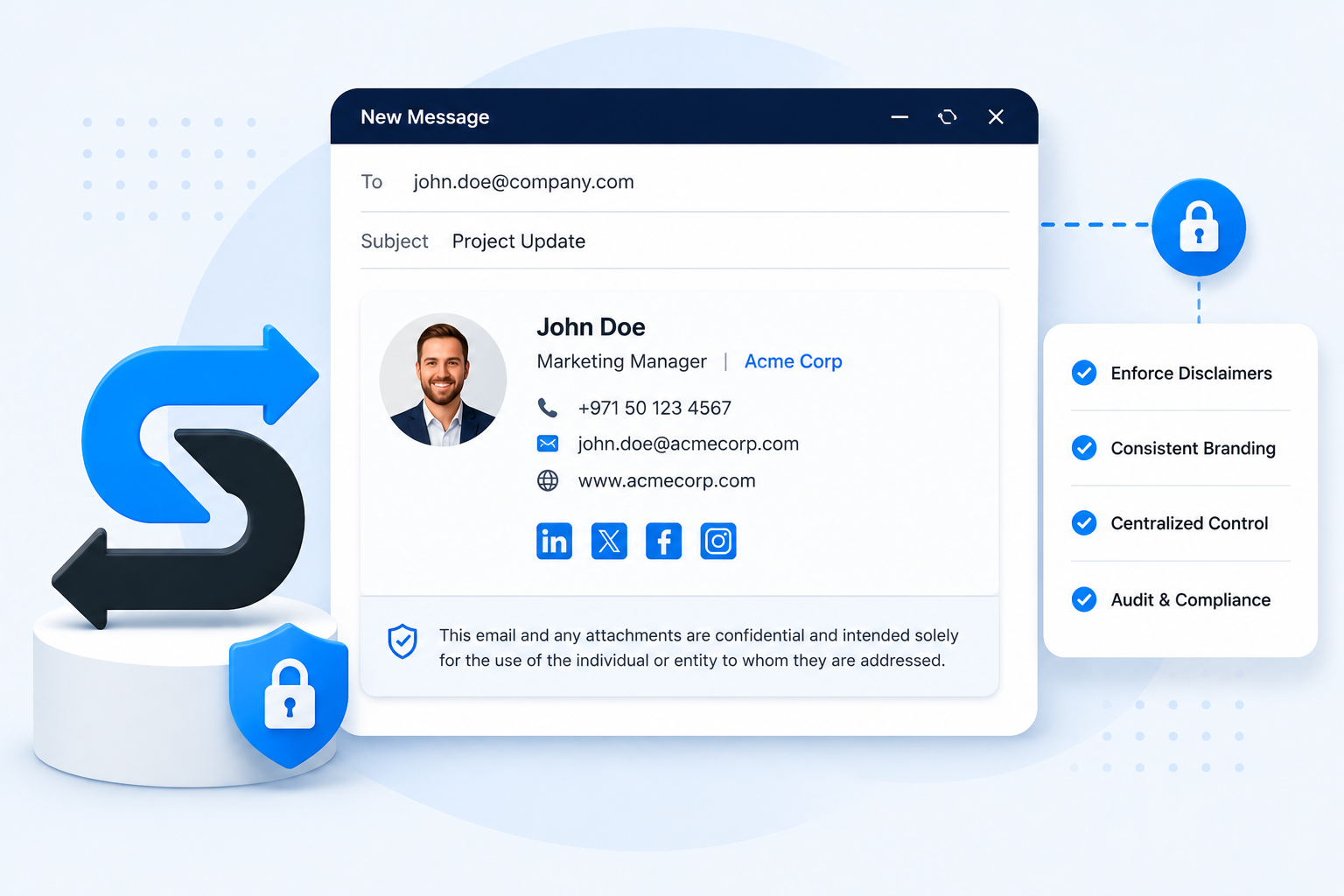
Guarantee every outbound email carries the required disclaimer
- Lock disclaimer text that no employee can edit or remove
- Assign different disclaimers by department, region, or entity
- Server-side enforcement leaves no device or client uncovered
- Audit trail logs every change with a timestamp and owner
Let Legal, Compliance, or Marketing manage disclaimers themselves
- IT locks mandatory fields and assigns permissions once
- Any non-IT team updates copy independently after that
- Preview exactly how changes render before pushing live
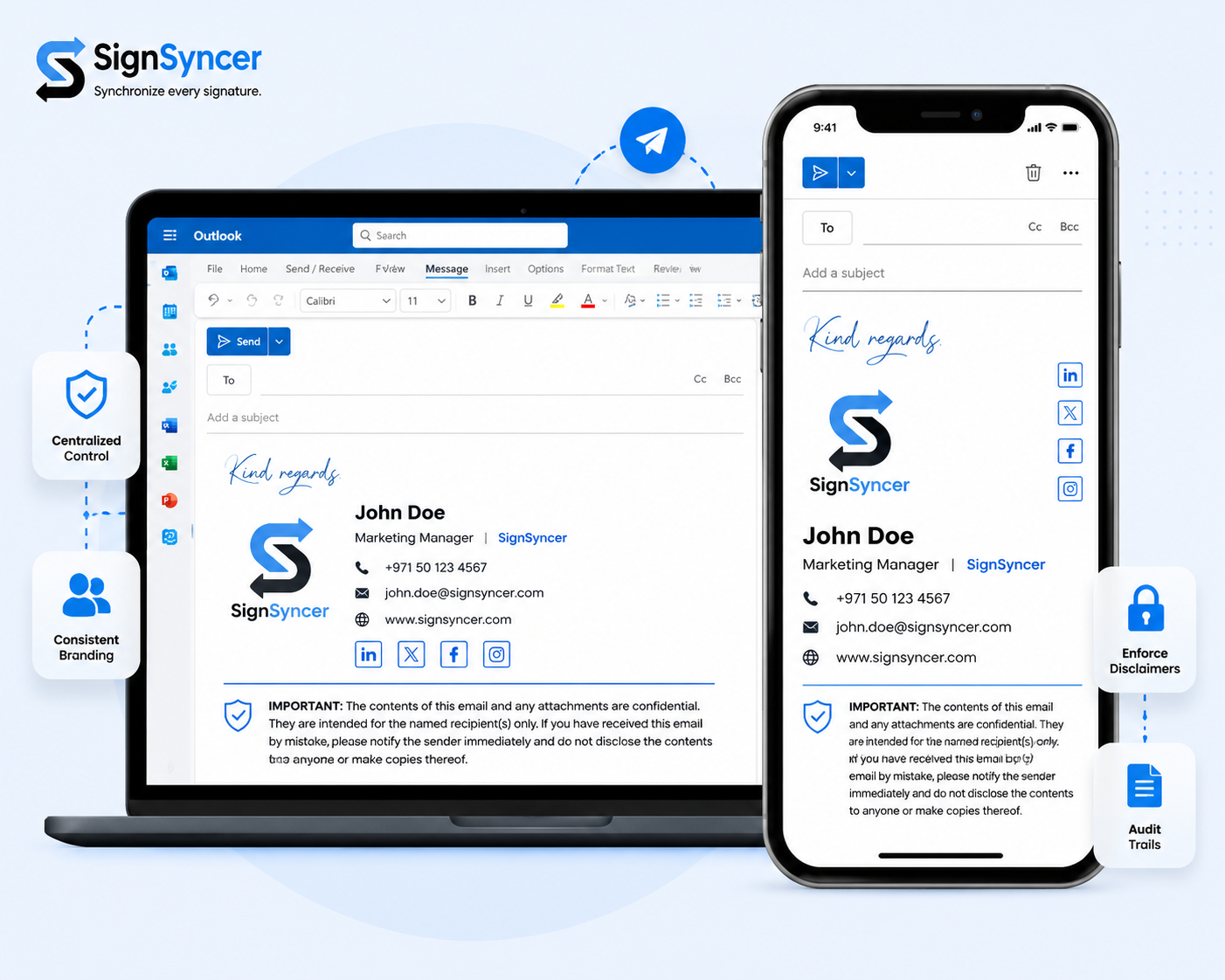
Works with the email platforms you already run
Microsoft 365
Outlook, OWA, mobile — covered server-side and via Add-in.
Exchange
On-premises, hybrid, or Exchange Online.
Google Workspace
Server-side coverage across all Gmail clients.
Display the right disclaimer to the right audience
Lock required regulatory disclosures by license type
Assign required disclosures by advisor role or license — no representative sends email without the mandated text, on any device.
Attach privacy notices to every clinical email
Lock privacy and care disclaimers into every outbound email from every clinician, with server-side coverage across devices.
Enforce privilege notices company-wide
Every attorney email carries the required privilege notice, assigned by practice group, matter type, or jurisdiction — no IT ticket required.
Standardize liability disclaimers across every entity
- Lock company-wide liability notices
- Assign jurisdiction-specific text by region or entity
- Update all disclaimer language in one action
Take control of your email disclaimers
Remove the legal risk from non-compliant emails. Enforce approved disclaimers company-wide in less than a day.