Signatures IT trusts,
brand everyone loves.
Centrally design, deploy and govern email signatures for every employee — synced to your directory, on-brand in every inbox, zero tickets for IT.
No credit card needed · Live in minutes
Built for IT & marketing teams who are done with signature chaos
Employees

Unify your brand
Designed for teams running on
Simple for everyone. Built for however you grow.
One platform for a two-person team or a two-thousand-person company — the setup stays effortless either way.
Enterprise
Multi-brand, multi-region governance from a single admin console.
Learn more →Growing companies
Marketing autonomy with IT peace of mind, at the same time.
Learn more →Small business
A professional, credible impression on every email you send.
Learn more →Individual
A polished personal signature, built free in about two minutes.
Learn more →SignSyncer manages signatures so IT doesn't have to
Connect your directory once. Every hire, move, and departure updates signatures automatically — no tickets, no manual edits.
Google Workspace
Deploy through the Chrome extension or server-side, straight into Gmail.
Signature management →Microsoft 365
Outlook Add-In for desktop and web, deployable centrally via MDM or GPO.
Signature management →Every team controls what they care about
No tug of war, no bottlenecks. Each team gets exactly the access it needs — no more, no less.
Set and forget org-wide signatures
Let SignSyncer take signatures off your plate — permanently.
- Automate new-hire provisioning and departure cleanup
- Deploy standardized signatures company-wide in one action
- Sync directly with Microsoft Entra ID or Google Directory
- Zero tickets — role-based access lets others self-serve safely
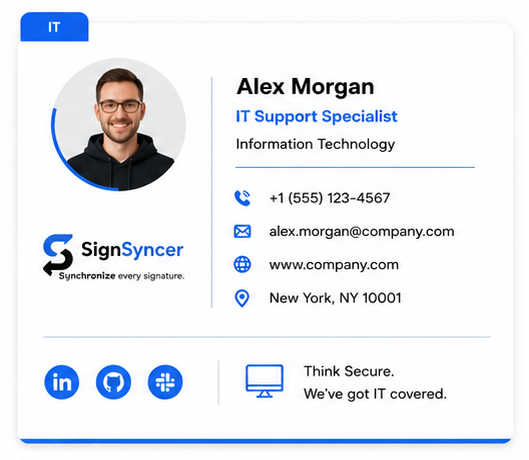
Keep every signature on-brand
No more chasing voluntary compliance, no more begging IT.
- Logo, colors, and layout stay locked in every signature
- One update reaches every inbox in the company instantly
- No off-brand signature ever leaves the template
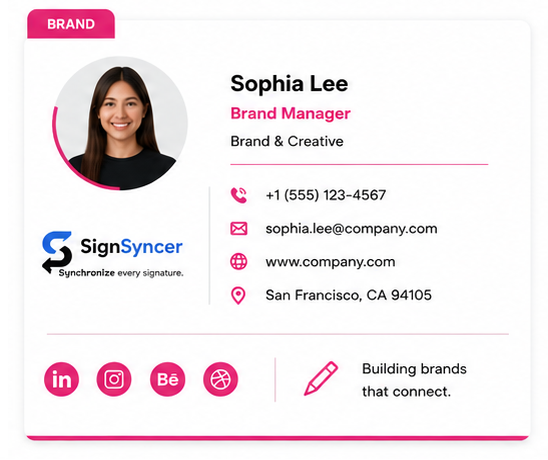
Turn signatures into a marketing channel
Every outgoing email becomes a lead-gen surface.
- Every employee signature carries the current campaign
- Track impressions and clicks in built-in analytics
- Schedule campaigns automatically for launches and holidays
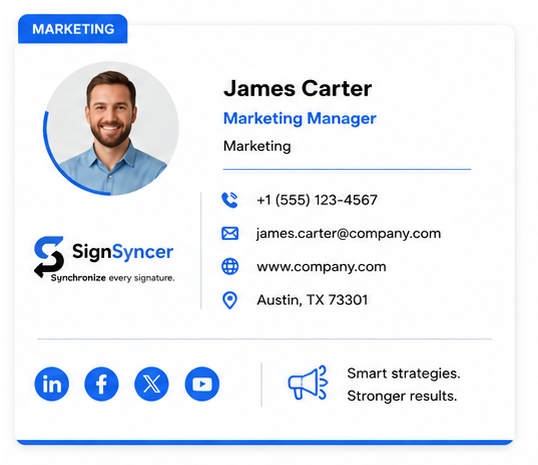
Drive demos from every signature
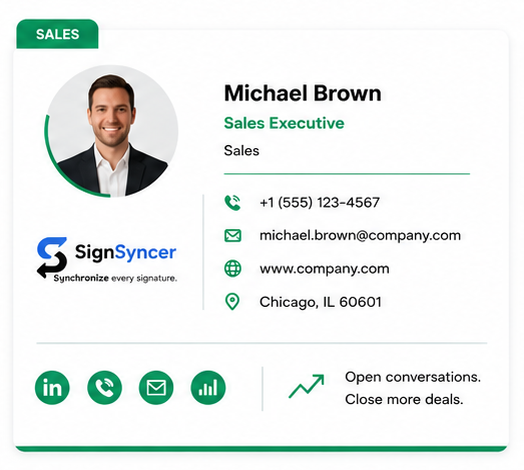
A signature CTA makes booking time effortless.
- Rep photo and title build trust before the reply
- Meeting links embedded in every signature
- Every rep looks consistent, credible, and on-brand
Enforce disclaimers org-wide
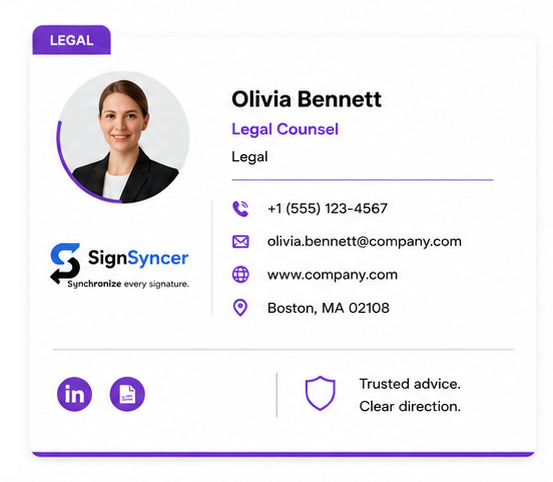
Compliance applied automatically, across every outgoing email.
- Lock approved disclaimers for all employees
- Set footer text by department or region
- Full audit log of every deployed signature
Onboard and offboard automatically
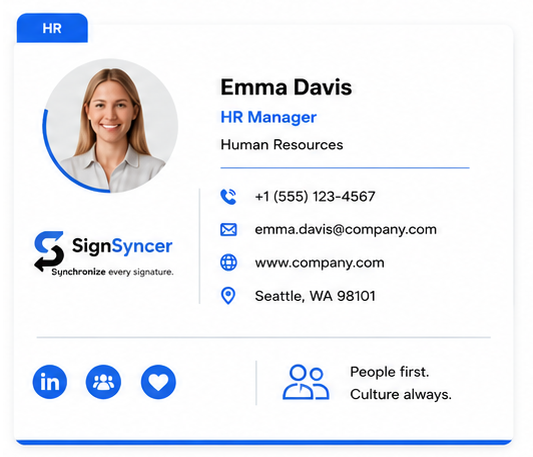
Every employee gets a branded signature from day one.
- New hires get their signature automatically, no ticket needed
- Departures are deactivated the moment they leave the directory
- Employees can't edit locked fields like job title
"Rolling out one branded signature to the whole team used to be a weekly headache. With SignSyncer it's a five-minute update that reaches everyone at once."
— Early design-partner feedback, SignSyncer beta
Keep branding consistent everywhere email goes out
Signatures stay compliant whether they're sent from your inbox, your CRM, or your marketing tools.
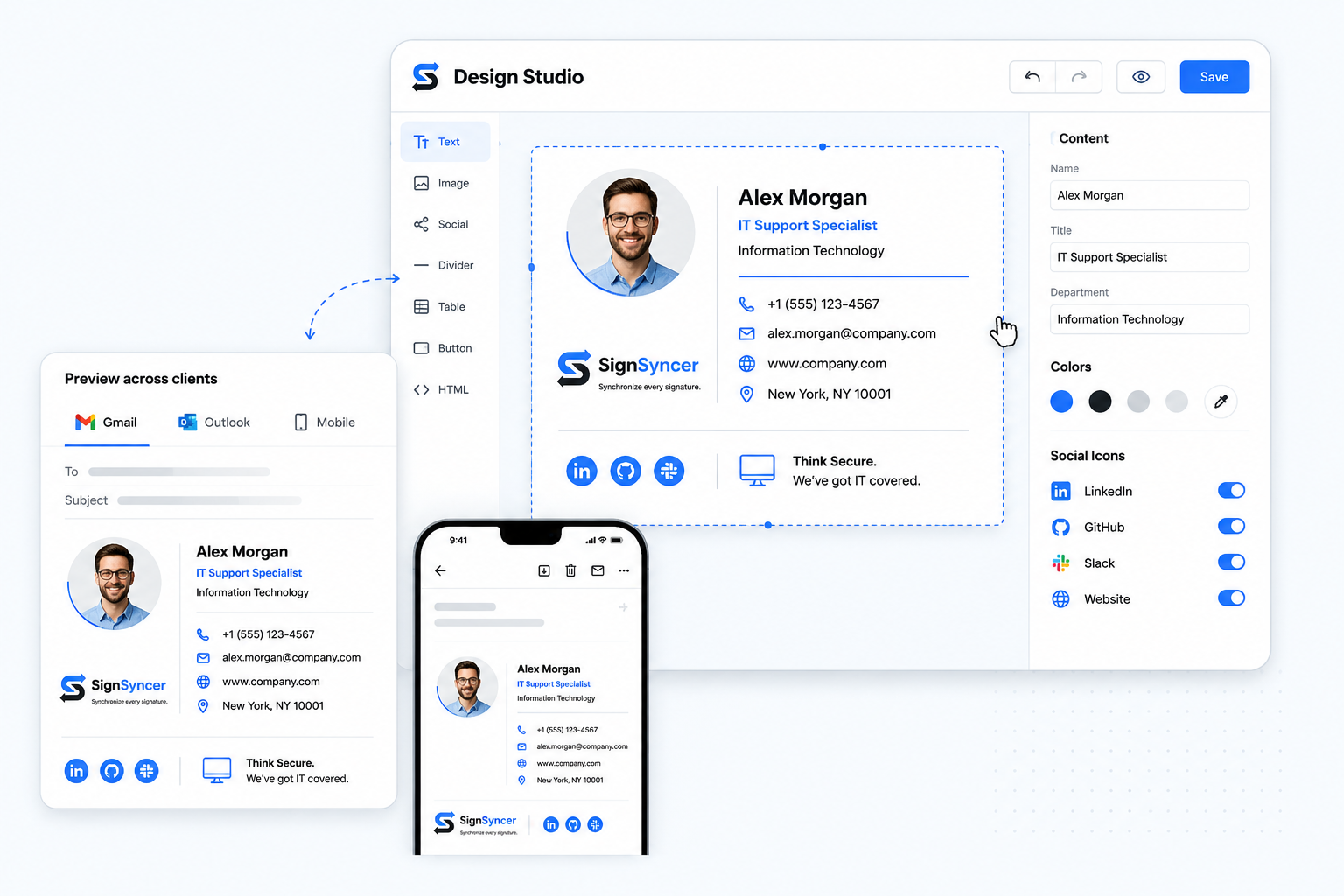
Build a pixel-perfect signature without touching code
- Drag-and-drop editor with brand-locked components
- Upload your logo and colors extract automatically
- Preview rendering across Gmail, Outlook, and mobile clients
Client-side, server-side, or both — your call
- Client-side via Outlook Add-In or Chrome Extension
- Server-side coverage for every device, including mobile
- Hybrid mode avoids duplicate signatures automatically
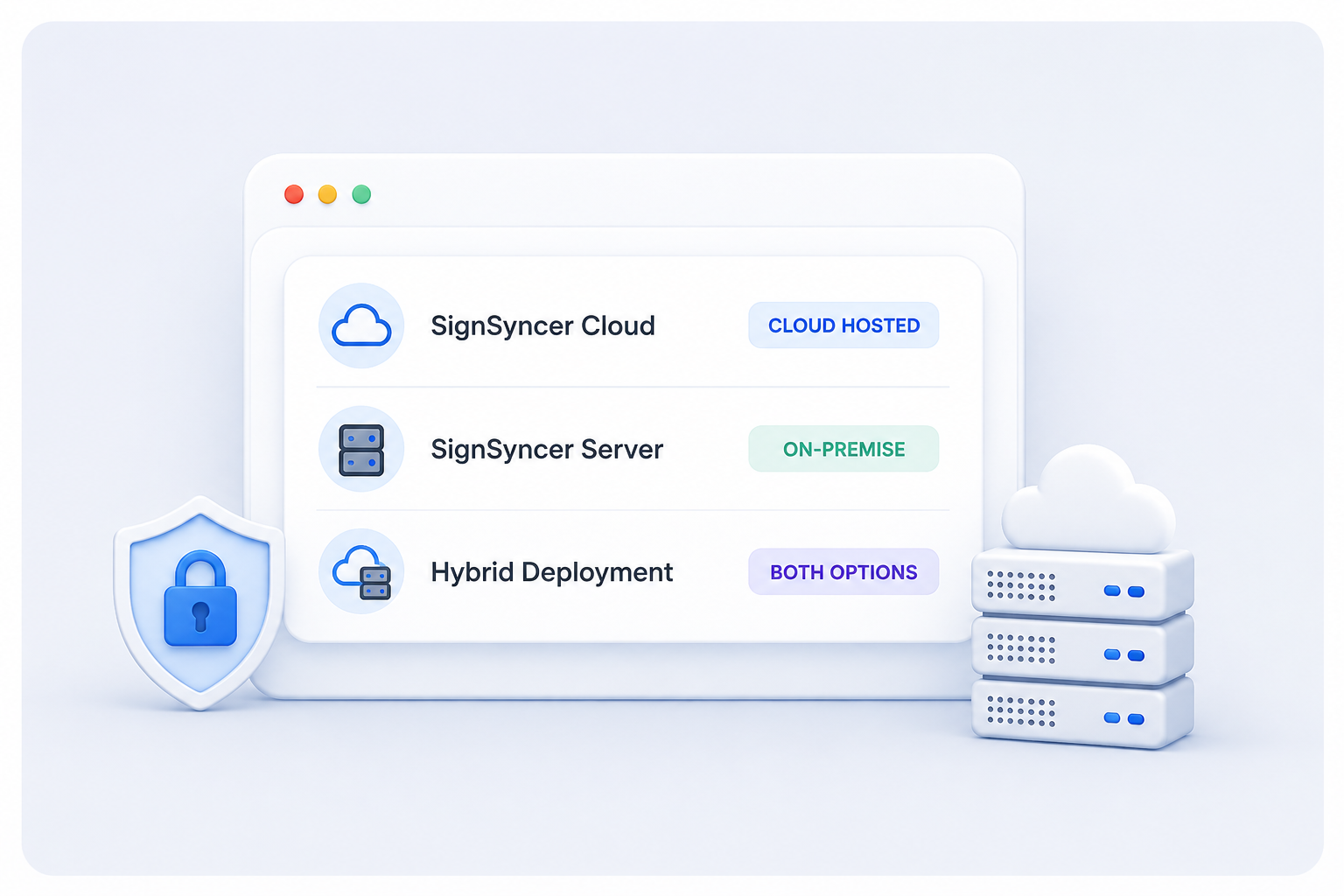
Help you can count on, from day one
Responsive support
A real person, not a queue, when something needs attention.
Built for high availability
Signature delivery designed to stay reliable at any scale.
Knowledge base
Clear, current answers for every setup and edge case.
Trust & security
Documentation on how your data is handled, in plain language.
Start from a template, make it yours
Pick a layout and refine it in the Signature Design Studio in minutes.
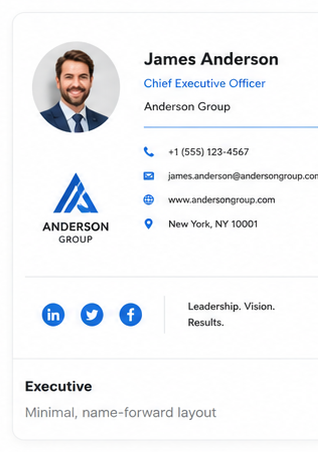
Minimal, name-forward layout
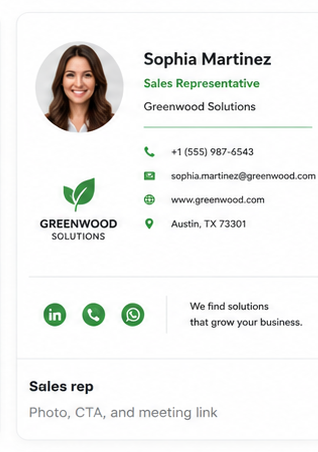
Photo, CTA, and meeting link
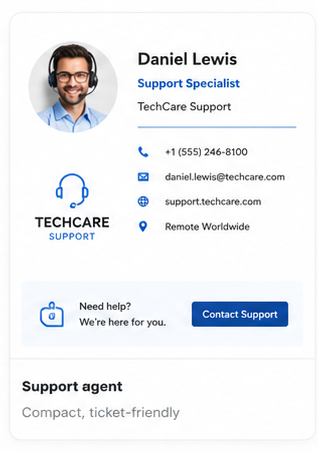
Compact, ticket-friendly
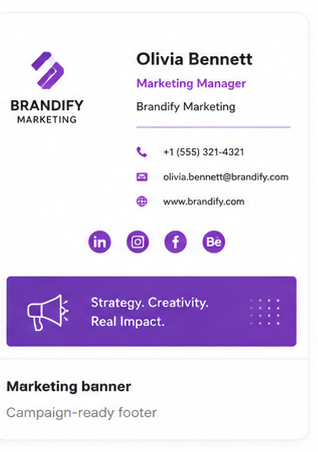
Campaign-ready footer
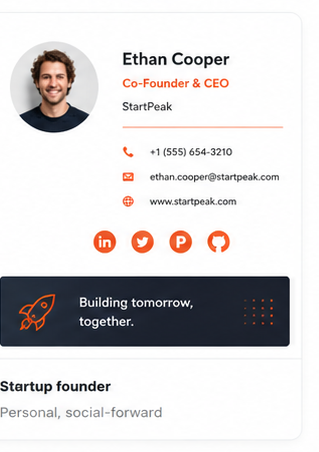
Personal, social-forward
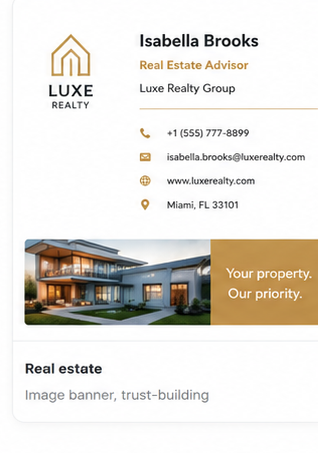
Listing banner + headshot
Built to give your security team peace of mind
SignSyncer never reads or stores your email content — you keep data ownership, always. Signature standards are enforced through locked fields, audit logs, and role-based access.
Take control of your company's email signatures
Stop signature chaos. Roll out standardized, brand-consistent signatures company-wide in under a day.